Saved Filter Views

Margot Beard
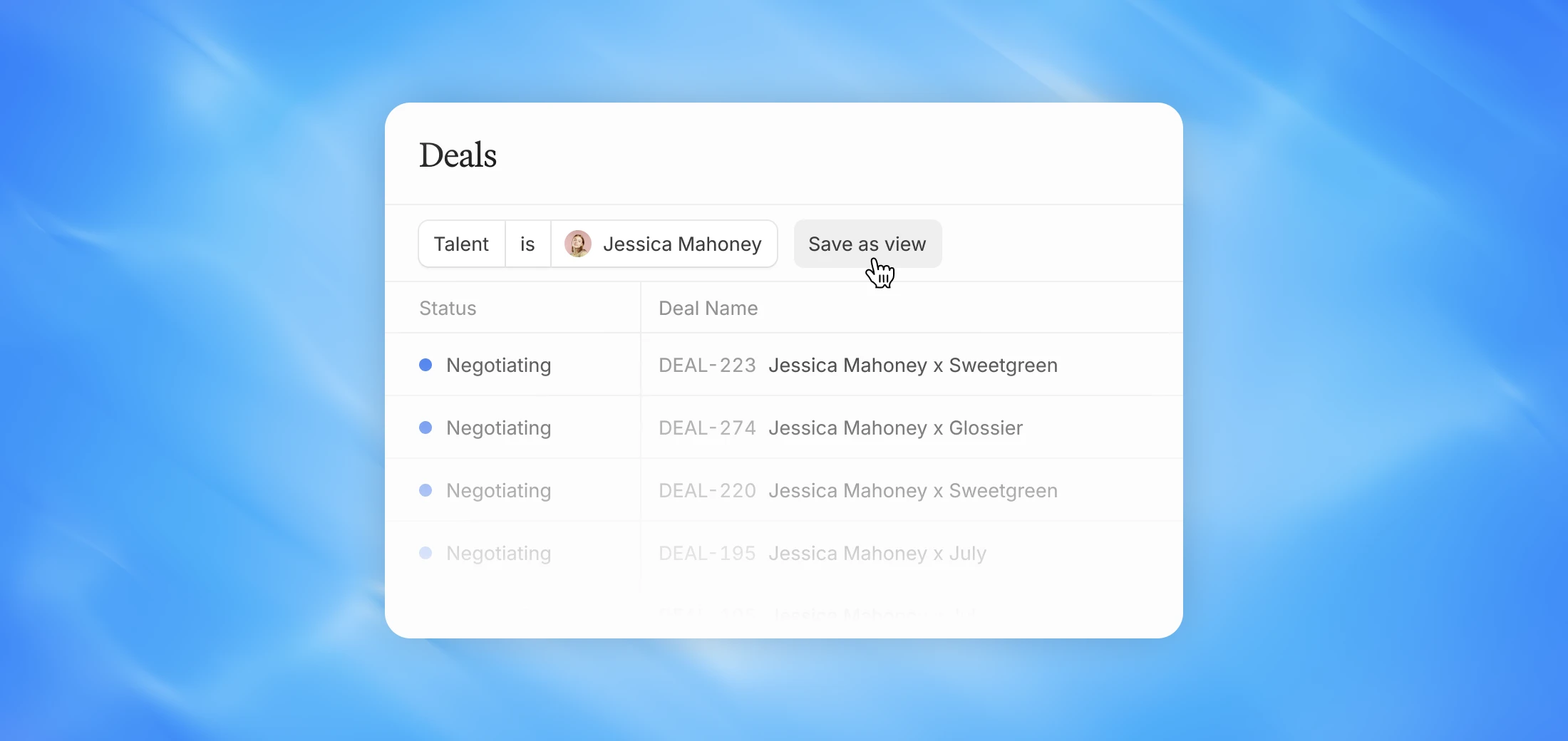
Save any filter combination on the Deals dashboard as a named view and switch between them instantly.
Why we built this
Most teams look at their deals in multiple ways depending on what they're trying to track — by creator, by brand, by status, or by manager. Previously you'd have to rebuild those filters every time. Saved Views let you set them up once and jump between them whenever you need.
Switching between views
Once saved, your views are accessible directly from the Deals dashboard. Switch between them instantly without having to re-apply filters each time. Views save the full filter combination. Any time you switch to a saved view, all filters are applied automatically.
FAQ
If I save a view, will it be visible to everyone in my agency? No, saved views are specific to your login. Each team member can create and manage their own views independently.
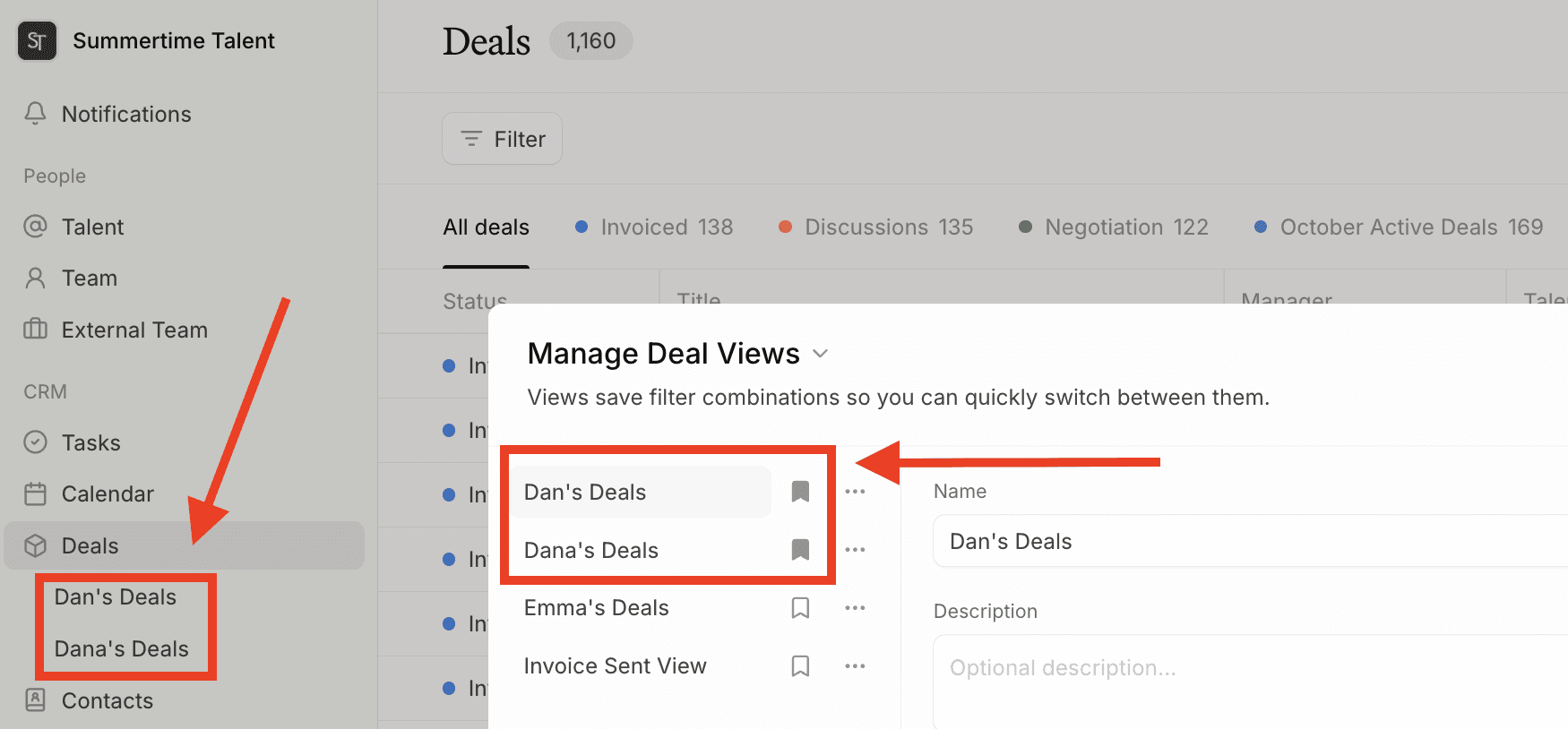
Can I delete or rename a saved view? Yes, you can edit or delete any saved view directly from the Deals dashboard.
Is there a limit to how many views I can save? No, you can create as many views as you need.
Can I save views to my sidebar? Yes, you can pin as many views as you'd like to your sidebar.