Calendar Refresh

Margot Beard
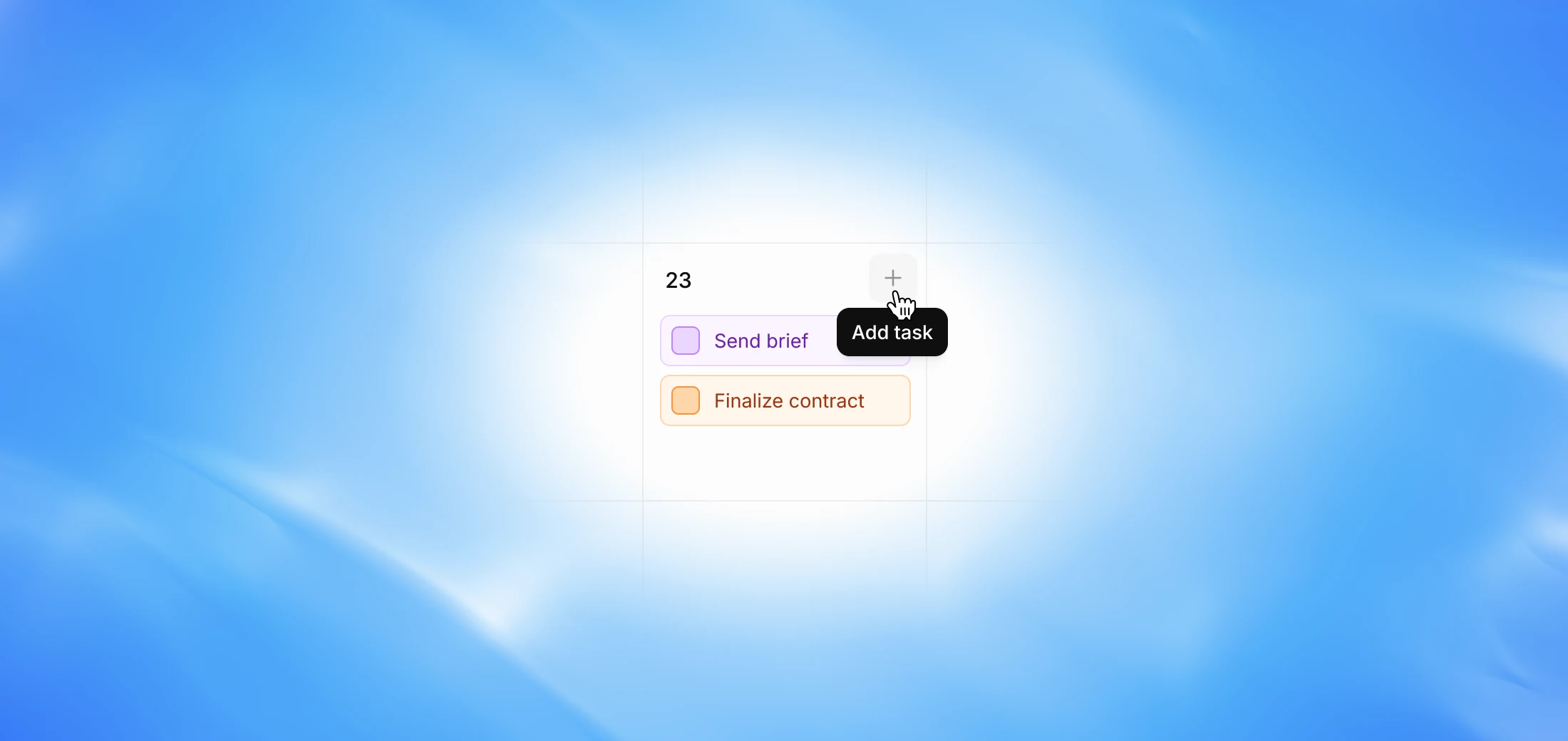
Two new updates to the Calendar view — create tasks directly from the calendar, and see payment dates from your deals automatically appear.
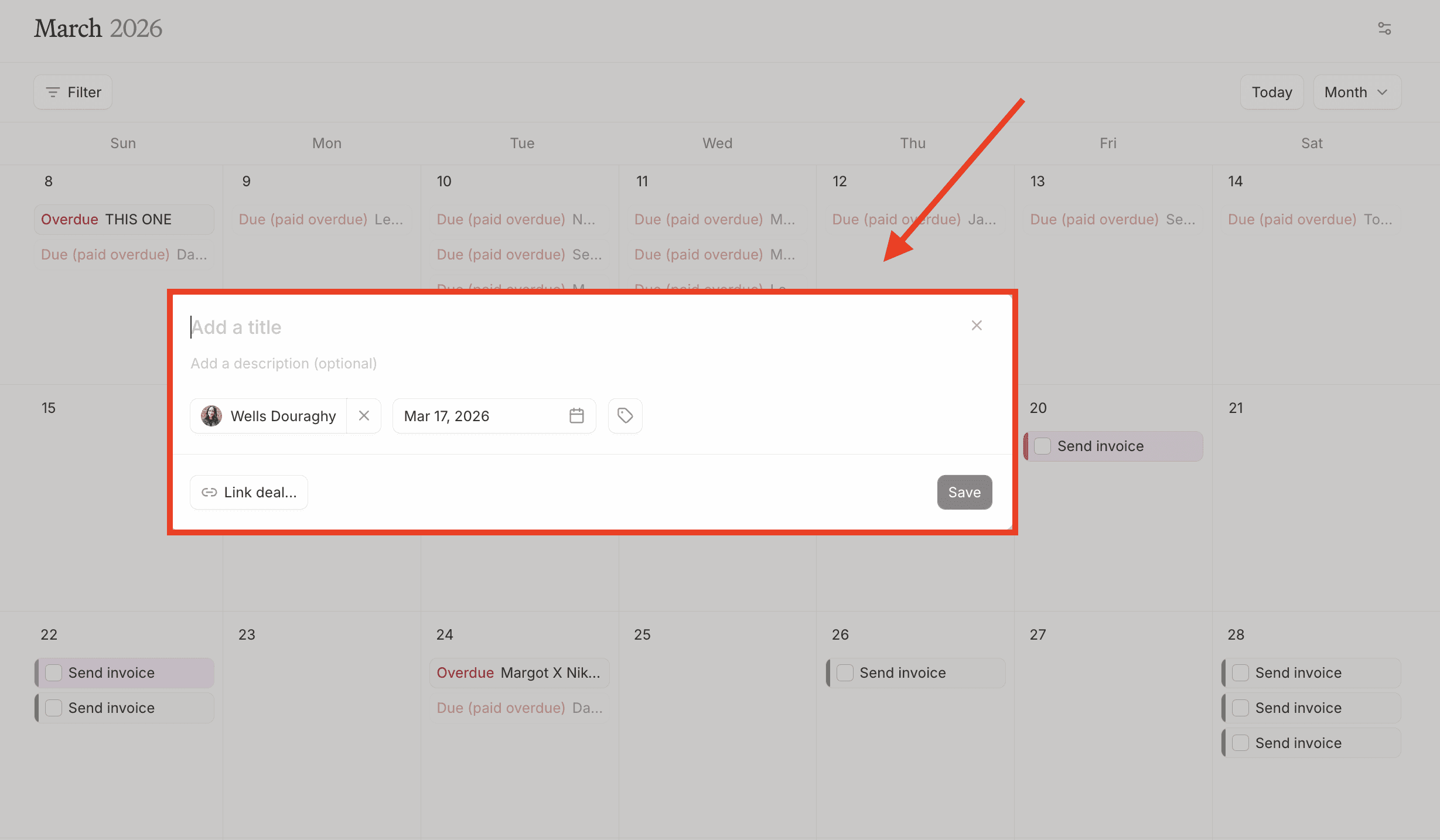
Create tasks from Calendar
Previously, creating a task required going into a deal, adding the task there, and setting a due date — which would then show up in the calendar. You can now create tasks directly from the Calendar view.
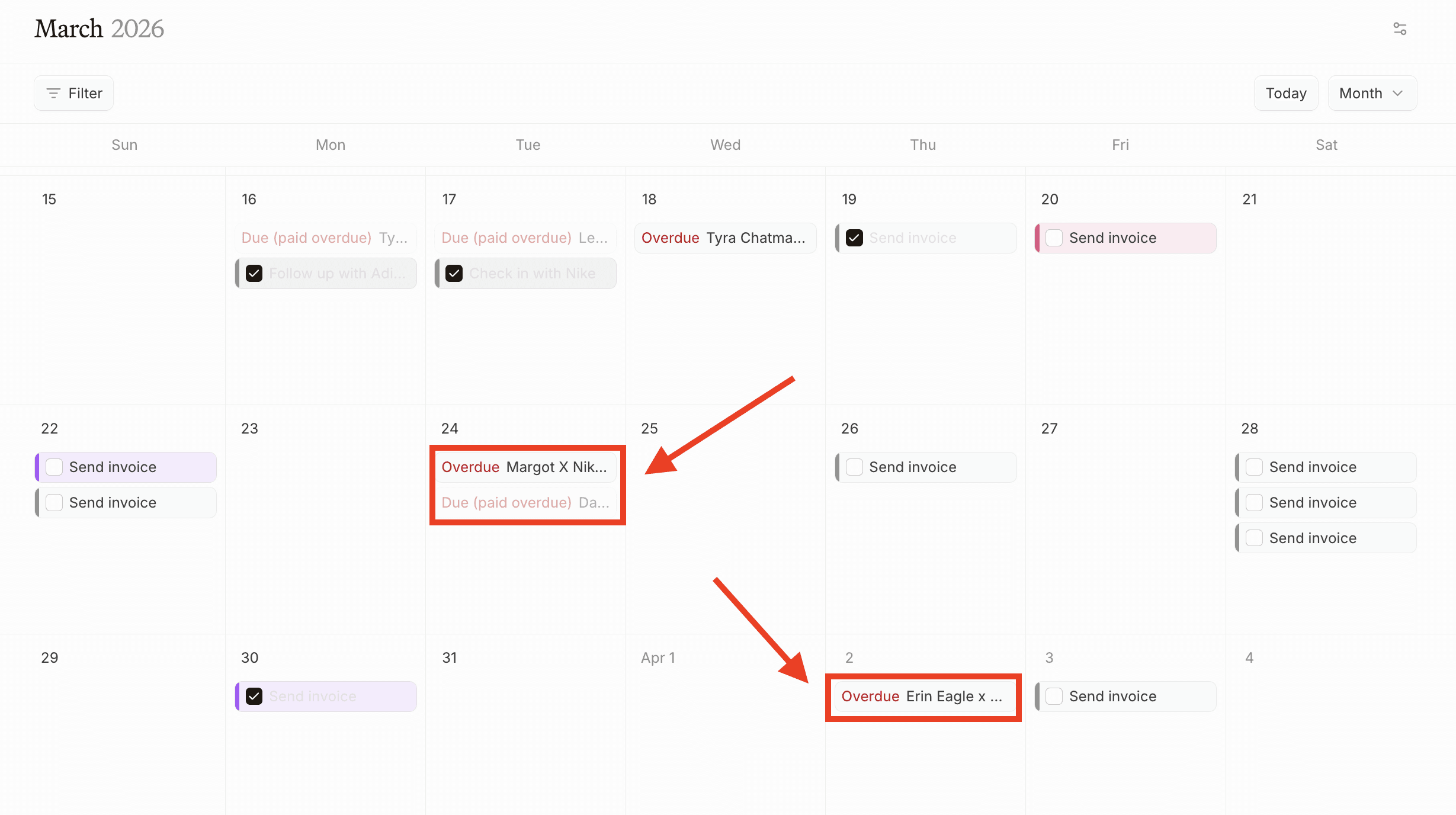
Payment dates on Calendar
Payment dates added to deal cards now automatically populate in the Calendar view. Any payment date set on a deal will appear on the corresponding date in the Calendar.
FAQ
If I create a task from the calendar, will it show up in my Tasks page? Yes — tasks created from the Calendar view will appear on your Tasks page just like any other task.
Can I edit a task from the calendar after creating it? Yes — you can click on any task in the Calendar view to edit it directly.
Will the booked and payment dates I set on a deal automatically appear in my Calendar view? Yes! Any payment date you add to a deal card will automatically show up on the corresponding date in your Calendar view, making it easy to track upcoming payments and stay organized.