Commission Management

Margot Beard
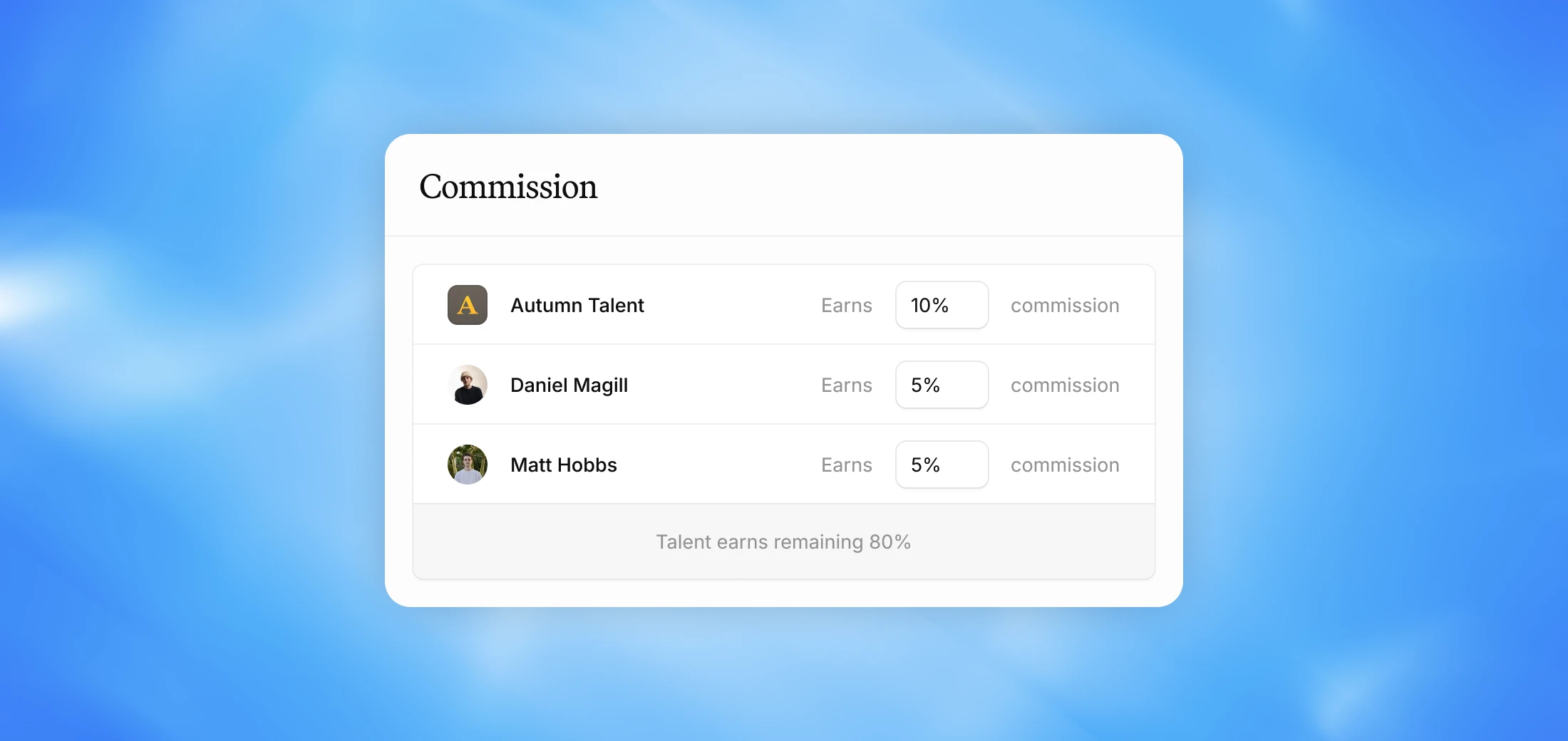
Set your agency's default commission, define what each team member earns on deals, and create custom overrides for specific team members — including external collaborators.
Why we built this
Commission structures vary a lot from agency to agency. Some are straightforward, others involve multiple people taking different cuts of the same deal. For teams with more complex commission structures, the updates below provide greater control and clarity.
External team members
You can now add External Team Members — individuals who aren’t part of your agency but still participate in deal commissions, such as lawyers, publicists, or managers at other agencies.
External team members can be:
Created in the External Team Members tab under the People section
Added to a talent’s team
Assigned directly to individual deals
Default commission management
We’ve simplified how default commissions are configured in Agency Settings. You can now:
Set Agency Default Commission
Set Manager Default Commission
Choose whether manager commission is:
Split evenly among all managers on a deal (for example, all managers split 10%) or
Applied fully to each manager individually (for example, each manager takes 10%)
You can also create Custom Overrides for specific managers if needed (for example if an assistant or coordinator takes no commission, or a specific manager earns more commission than others).
Talent teams
Talent now have structured Teams instead of assigned managers. Within each talent profile, you can:
Assign team members
Define commission splits for each member
Commission splits for Talent Teams follows your agency’s default commission, but can be customized per team if needed.
Alternate talent teams
For talent with multiple deal scenarios, you can now create Alternate Teams. These allow you to:
Define different combinations of internal and external team members
Apply unique commission splits for specific deal types
When creating a deal, simply select the team working on the deal from the dropdown.
Example: If a deal is sourced by a creator’s previous manager at a different agency, you can create an alternate team (e.g., “Sourced by Former Agency”) that includes them and automatically uses the correct commission split.
FAQ
Will these updates affect my existing deals? No, these updates only apply to how commission presets are configured for new deals. Your existing deals remain unchanged.
Do I need to do anything if I have a simple commission structure? No, if your agency and managers share a straightforward split, your current setup has been carried over automatically. No action is required.
What if a specific manager earns a different commission than the default? You can create custom overrides for specific team members — for example, if an assistant takes no commission or a particular manager earns more than the default.