Talent Attributes

Margot Beard
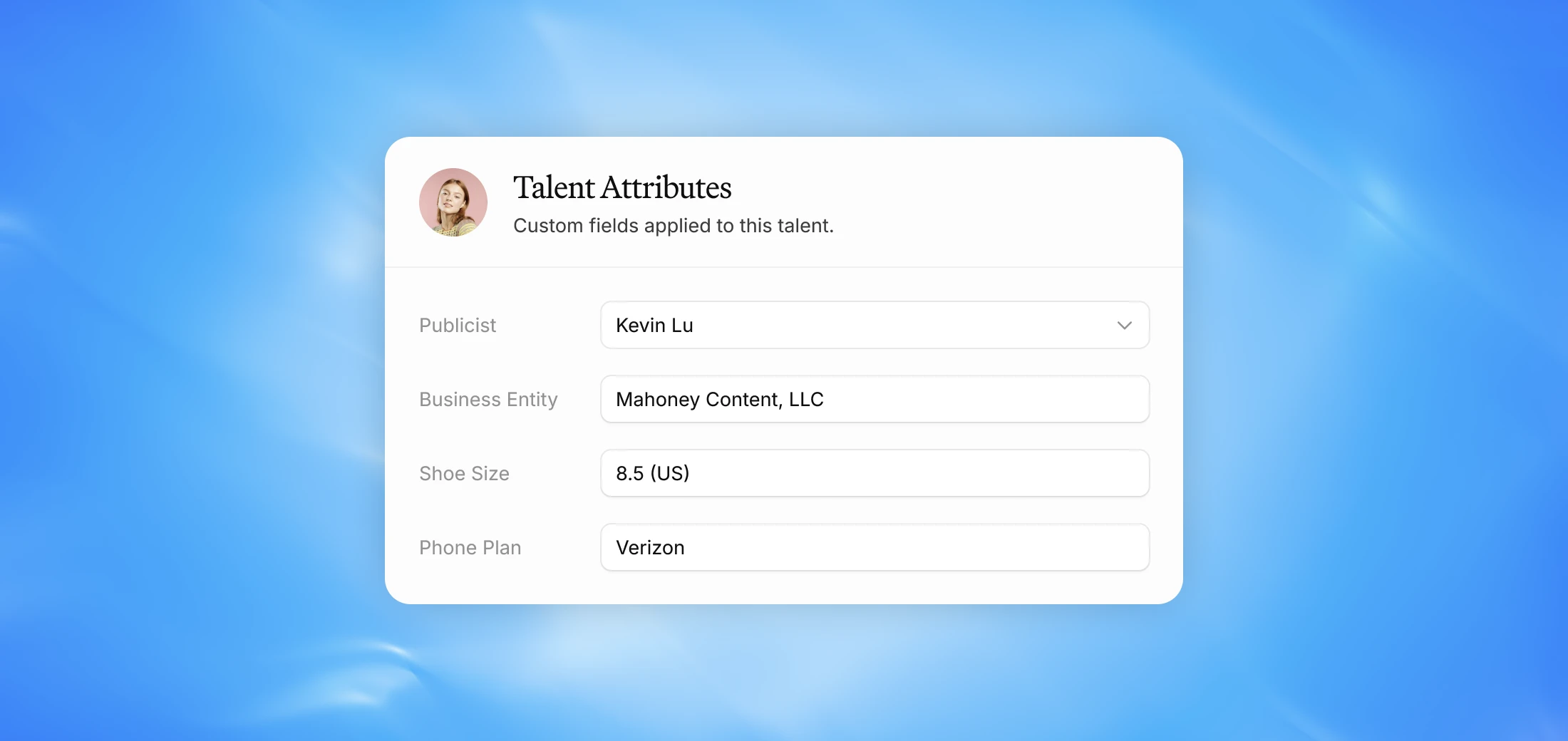
Store key information on your talent to keep important details organized and easily accessible within the Talent Dashboard.
Why we built this
Every agency tracks different information about their talent — birthdays, locations, kids' names, attorneys, publicists, and more. Attributes give you a flexible, structured way to store that information and surface it on the Talent Dashboard.
Creating an attribute
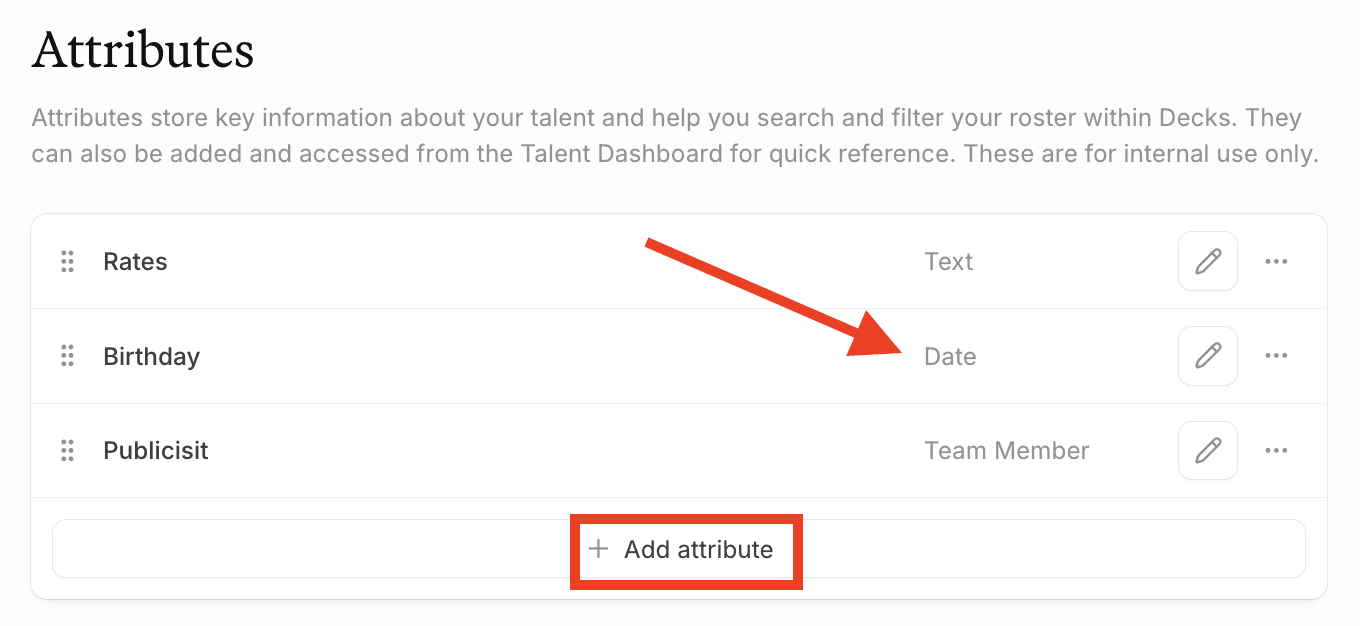
Attributes are created in Settings and apply across all talent. When creating one you'll add a title and select an input type. Once you create an attribute and select its input type, that type is locked. If you set an attribute as Text and later realize it should be a Date, you'll need to delete it and recreate it. Choose your input type carefully before saving.
Adding attributes to talent
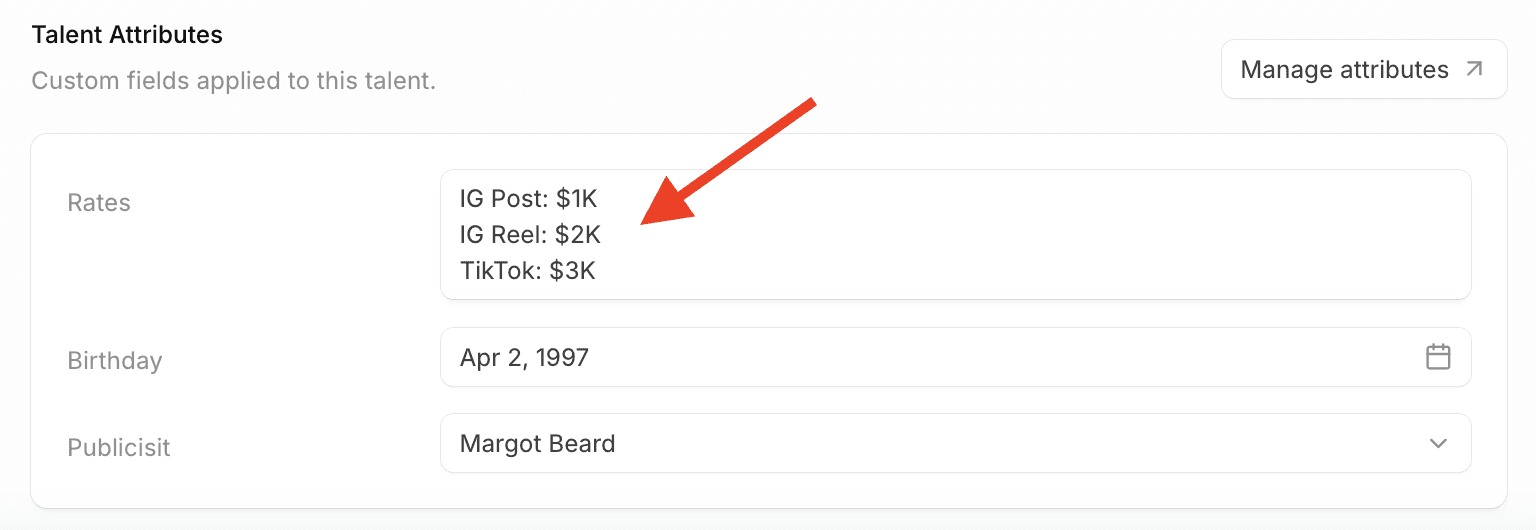
Once created, attributes can be filled in per talent. Navigate to a creator's profile via the Talent Dashboard, go to their About section, and scroll down to find and edit their attributes.
Viewing attributes across your roster
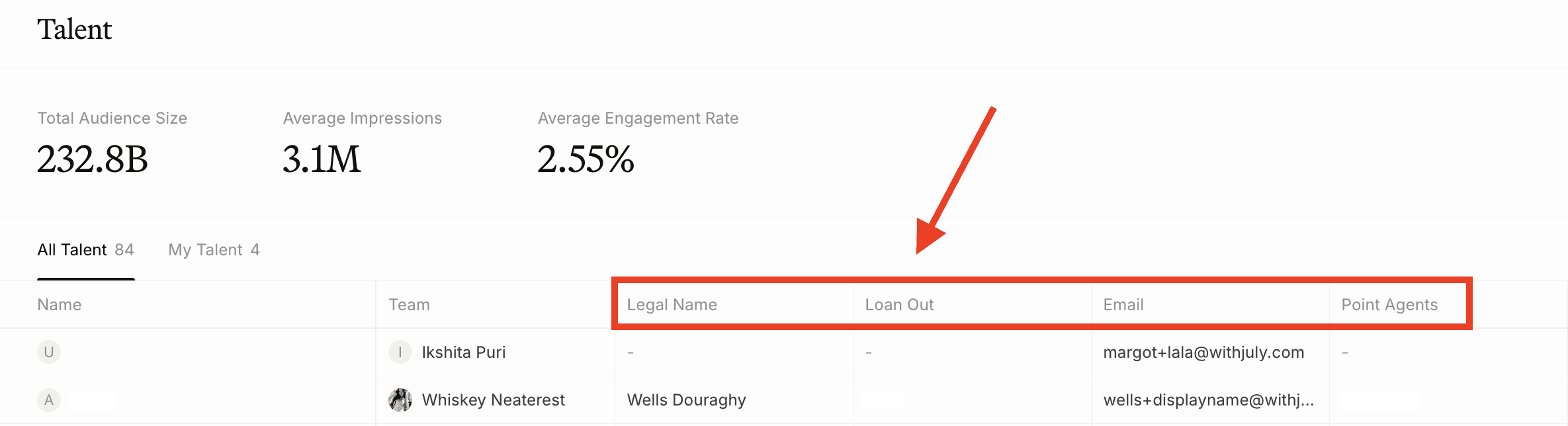
Attributes can be added as columns in the Talent Dashboard table view, so you can see key information across your entire roster at a glance — things like birthdays, locations, rates, or assigned attorneys and publicists. You can set Table Views based on different Attributes.
FAQ
Can I change an attribute's input type after it's been created? No. Once an attribute is created, the input type is locked. If you need to change it, you'll need to delete it and recreate it.
Are attributes visible to talent or external partners? No, attributes are for internal use only and are never visible outside of your agency.