Talent Views

Margot Beard
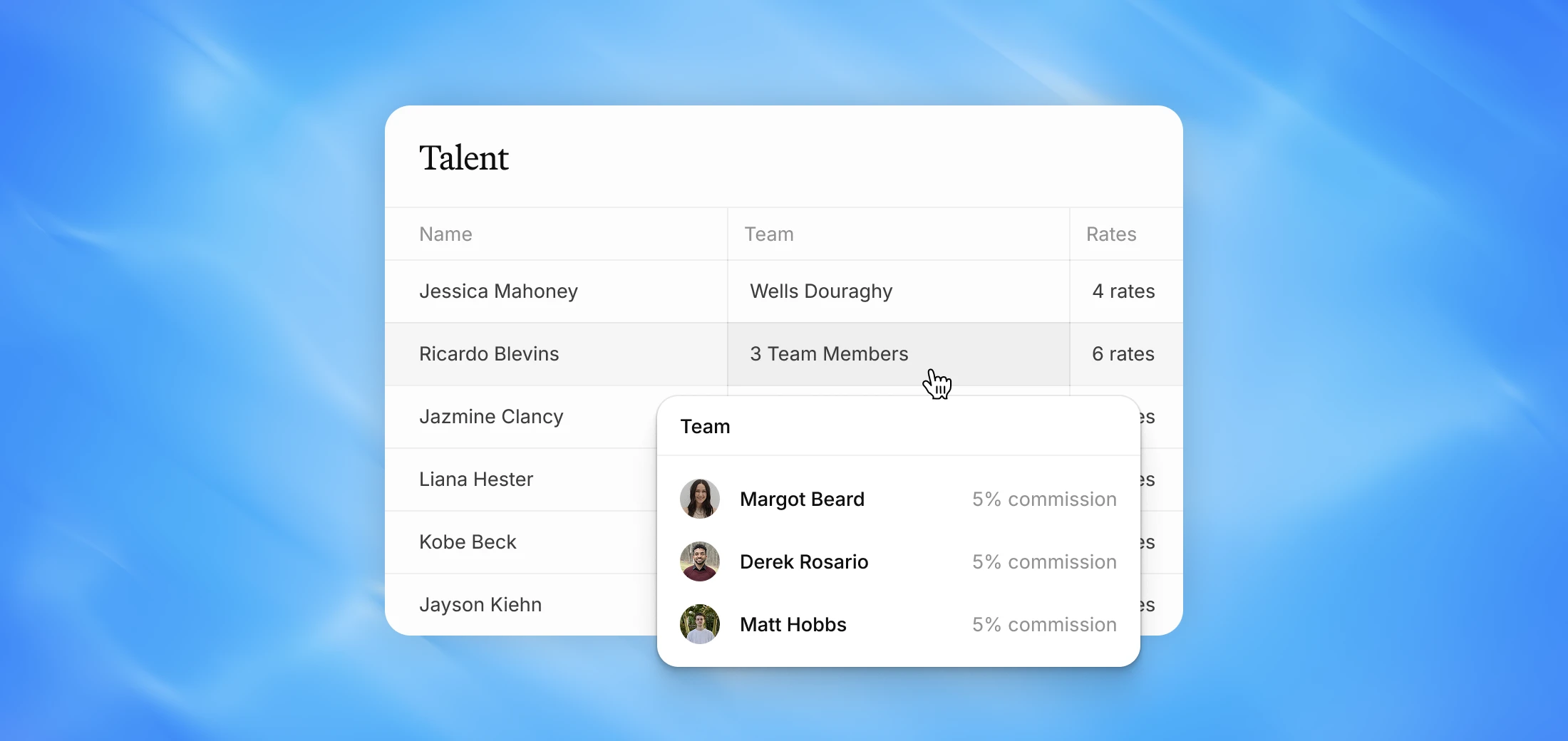
Create custom views of your Talent Dashboard that control which columns are visible — so your team always sees the information that matters most.
Why we built this
Different people on your team need to see different things. A coordinator might need birthdays and contact info, while an agent cares about rates and commission. Talent Views let you create multiple layouts of the same roster and switch between them instantly.
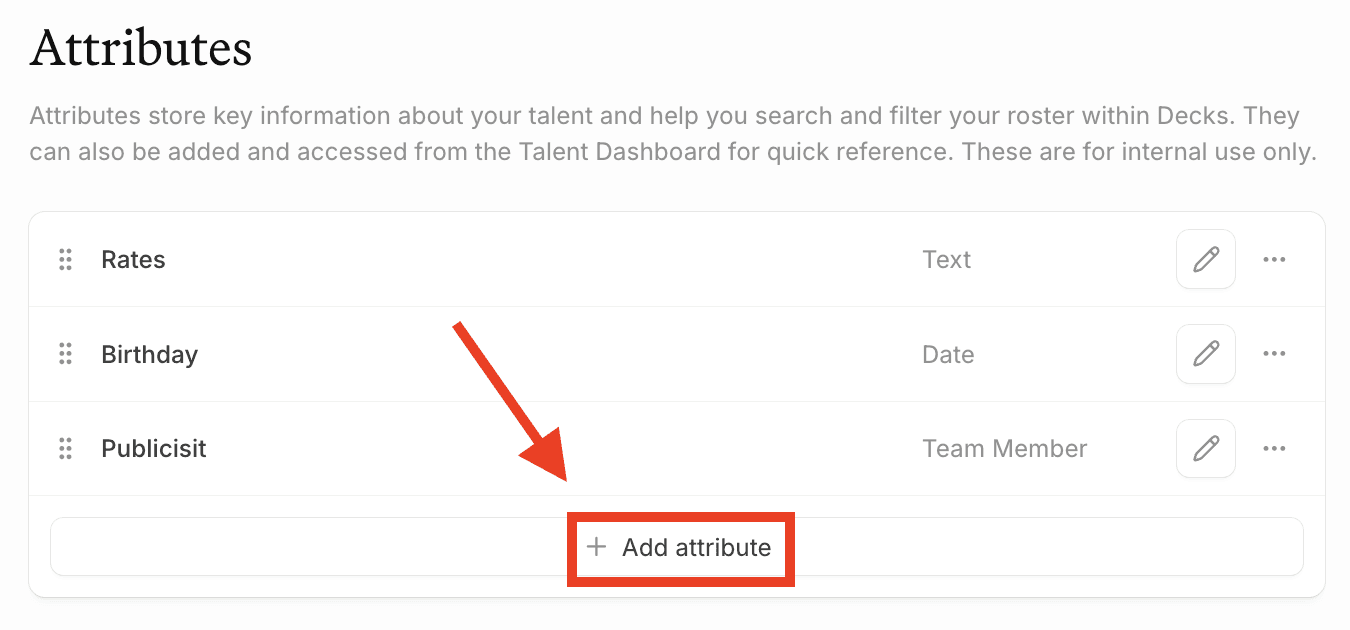
Create your attributes first
Talent Views are built on top of Attributes. Before creating a view, make sure you've set up the attributes you want to display as columns — things like birthday, location, rates, kids' birthdays, publicist, commission rate, and so on. You can do this in Settings under Attributes. Views are only as useful as the attributes behind them.
Switching between views
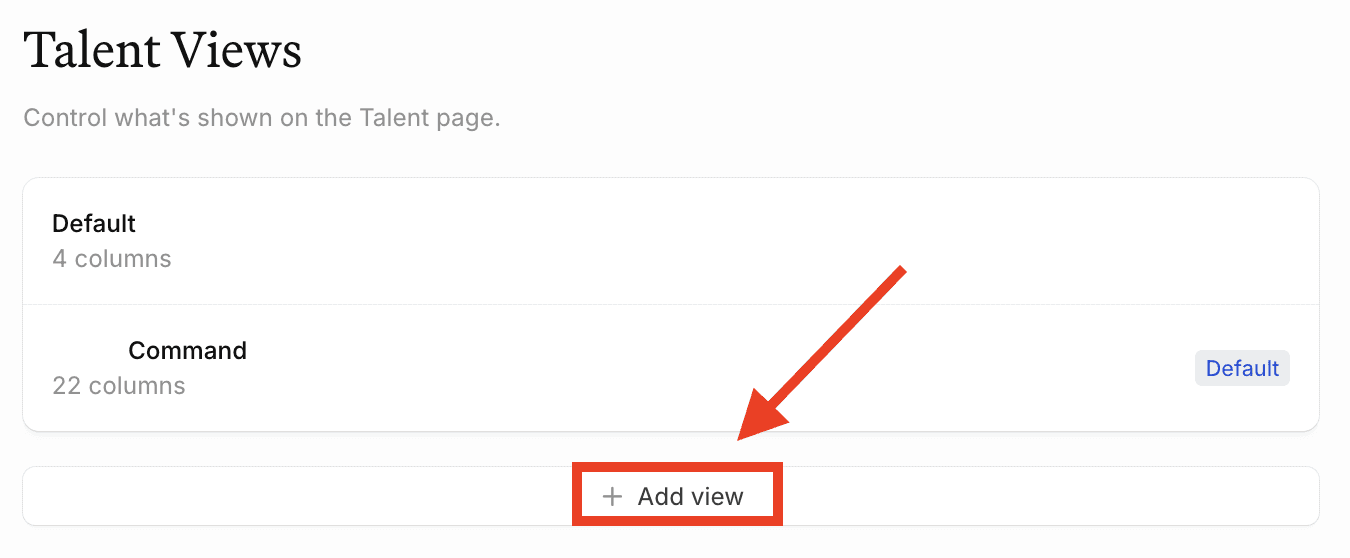
You can create as many views as you need and switch between them directly from the Talent Dashboard. Each view shows a different set of columns without affecting the others.
FAQ
Do I need to create attributes before setting up a Talent Table View? Yes — views are built on top of attributes. You'll need to create your attributes first before you can add them as columns in a view.
Can I create multiple views? Yes — you can create as many views as you need and switch between them directly from the Talent Dashboard.
Are Talent Views shared across the agency? Yes — unlike saved filter views in the Deals dashboard, Talent Views are shared across the agency and accessible to everyone on your team.